Building Your FieldHockeyIntel Profile
INTRODUCTION
College coaches are looking for athletes who stand out. Your FieldHockeyIntel student-athlete profile is the place to present your full story, both on and off the field. It’s where you can bring together your athletic milestones, academic success, leadership experiences, and personal journey.
Think of it as a LinkedIn made for field hockey recruits. You can upload highlight/skills videos and raw game footage, display athletic and academic accomplishments, write a bio that reflects your personality and potential, and more. This guide walks you through the features of your FieldHockeyIntel profile and offers practical tips to help you build a strong student-athlete resume that captures attention.
CREATE YOUR PROFILE
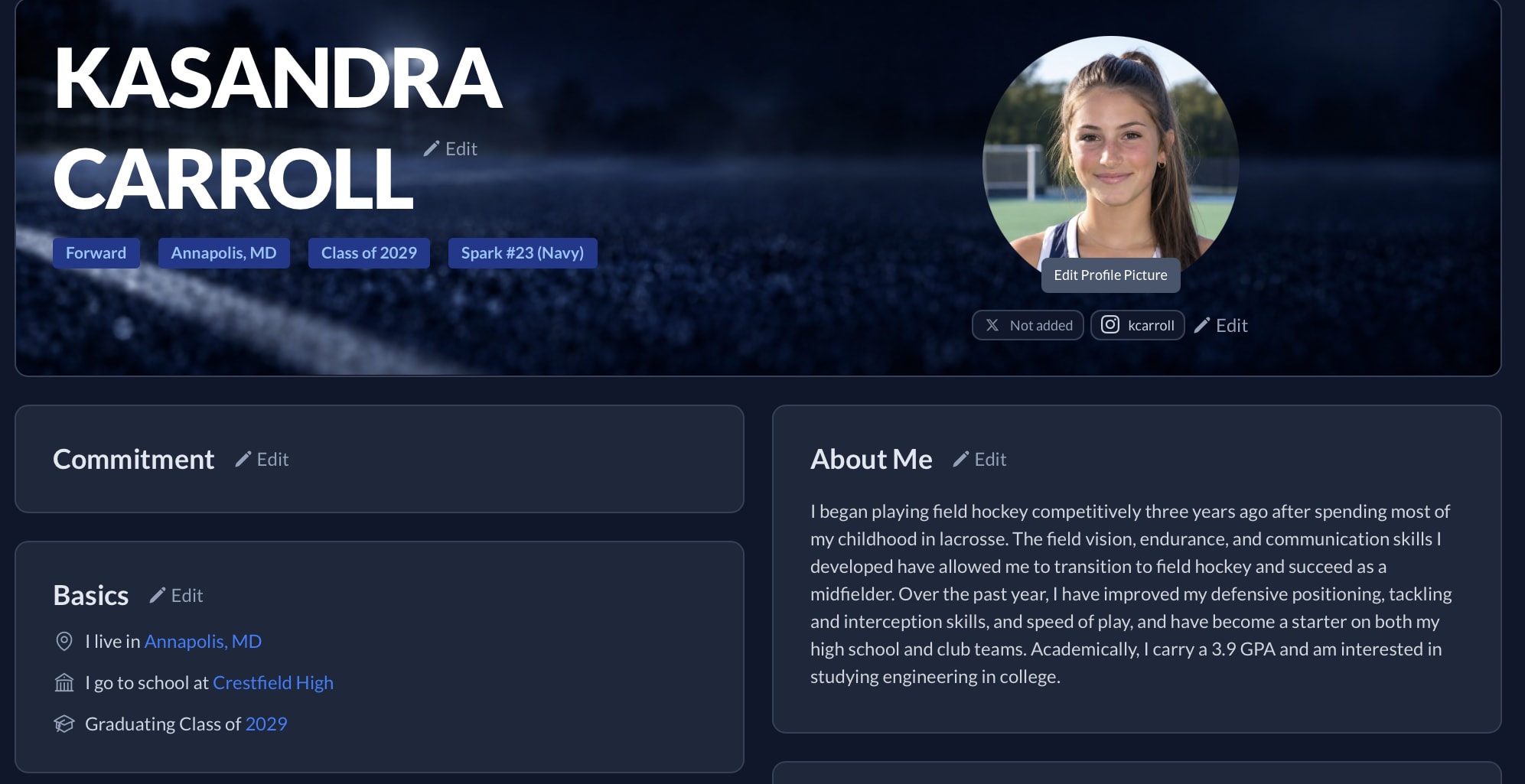
To create a profile:
Register for any FieldHockeyIntel plan (free or paid) at https://www.fieldhockeyintel.com.
Click “Register” in the top right-hand corner to create your account and follow the registration instructions.
Only the student-athlete or their legal guardian is allowed to create an athlete’s FieldHockeyIntel profile. If you need assistance creating your profile, email us at support@fieldhockeyintel.com.
ADD YOUR INFO
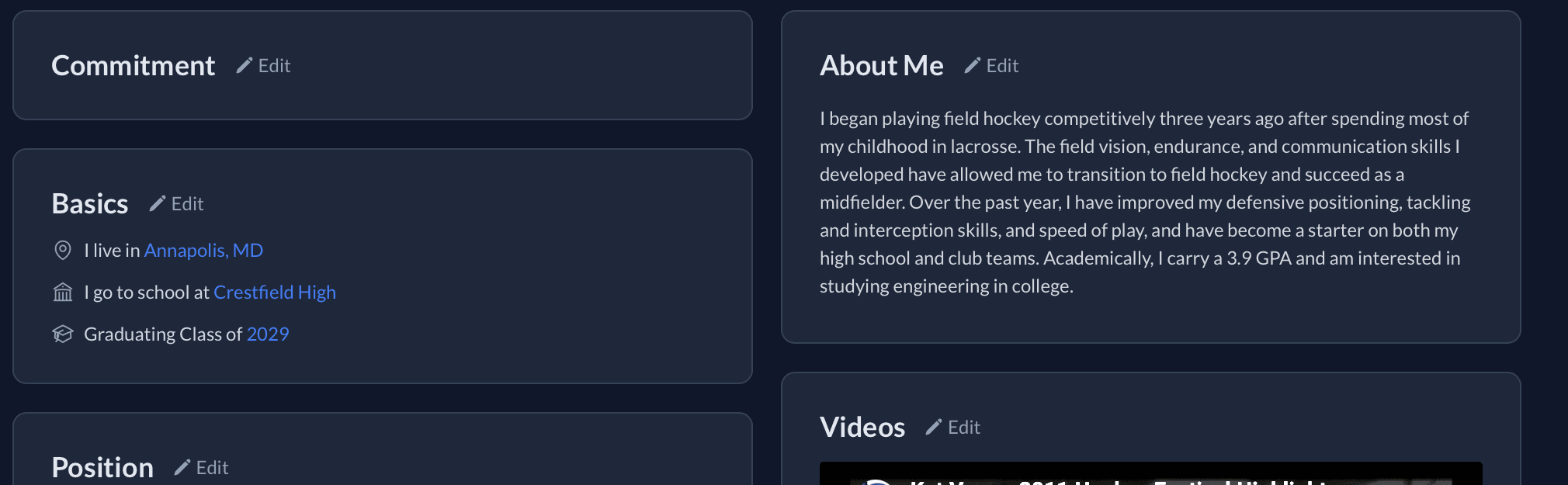
Once you have created your profile, it is time to start building your resume. Click the “Edit” button on the various profile cards and fill out the associated information.
Only verified college coaches can view your contact info, and only if you opt in to sharing this with them. Academic information is only viewable by college coaches.
If you do not see your high school and/or club team, email us at support@fieldhockeyintel.com.
ADD AWARDS
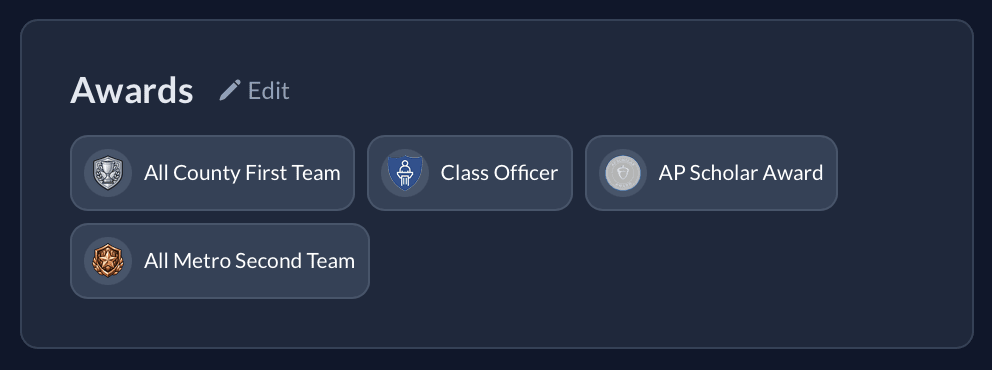
Click on the “Edit Awards” button to select athletic, academic, and/or leadership awards that you have won. You can re-order the awards in the Edit Awards dialog box. This gives you an opportunity to showcase some of the things that you have accomplished on and off the field.
I can’t find one of the awards I won. Can you add it?
We are constantly adding new awards. You can request to add an award by emailing us at support@fieldhockeyintel.com.
ADD ABOUT ME
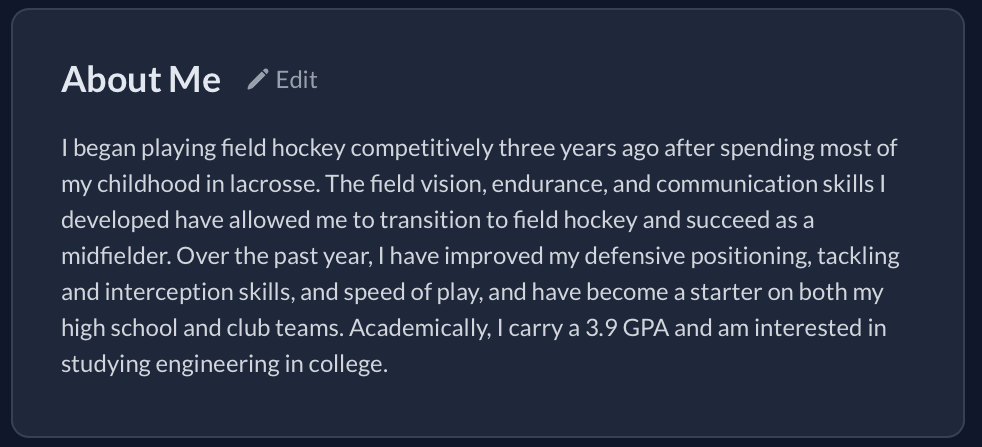
Click on the “Edit” button on the About Me card to write a short bio about yourself. The purpose of this section is to show off your personality, potential, and what makes you unique. Game stats, academic and athletic accomplishments, and highlight videos are great, but they don’t provide coaches with insights into your personality, work ethic, or potential. This short bio is your chance to tell your story.
A typical About Me bio will be 4-6 sentences (use your own discretion as to length, but do not write an essay that is so long that a coach decides it is tldr). Only verified college coaches will be able to view your About Me. Here are some ideas for this section:
Significant improvements
Specific field hockey strengths
Your athletic achievements
Your academic achievements and interests
Your passion for field hockey and long-term goals
Multi-sport athlete
Challenges/injuries you have overcome
Late entry into field hockey
A quote from your coach about your work ethic
An article with several examples on “How to Write Your About Me” can be found at https://fieldhockeyintel.com/articles/how-to-write-your-about-me.
ADDING VIDEOS TO YOUR PROFILE
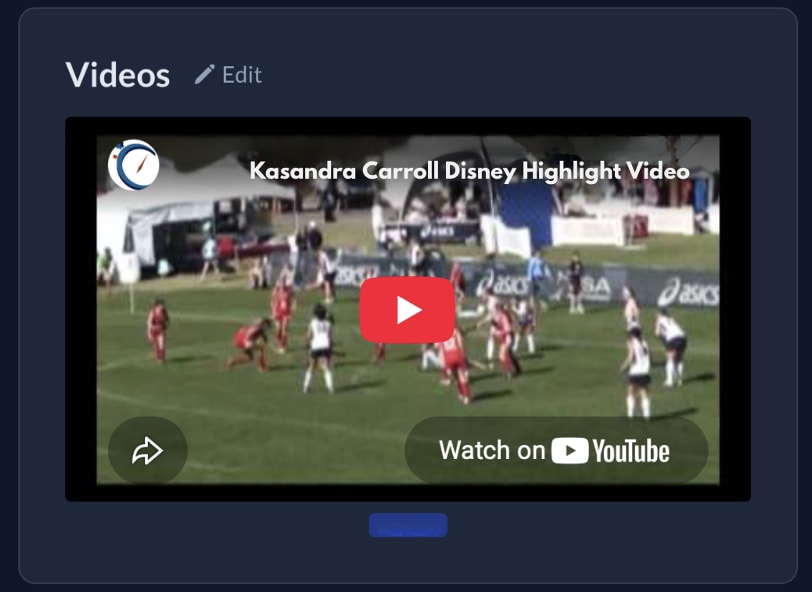
You can add raw game footage, highlight reels, and/or skills videos to your profile as cards by clicking on the “Edit” button on the Videos card and filling out the Video URL field. Use YouTube, Vimeo, or other similar public platforms to share URLs; do not upload videos from sites that require login/payment to view.
ANNOUNCING YOUR COLLEGE COMMITMENT

You can announce your college commitment by clicking on the “Edit” button under the Commitment card and selecting your college.
SHARING YOUR PROFILE
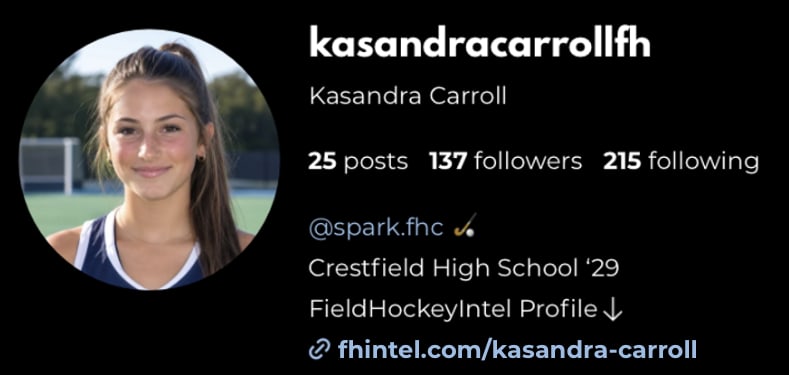
Click on the “Copy Link” button in the top right corner of your profile to have a shareable URL copied to your clipboard. This will generate a short URL customized to your profile and name (e.g., https://fhintel.com/kasandra-carroll). You can paste this URL into emails, text messages, your Instagram bio, recruiting questionnaires, etc., for anyone to view. Regardless of who you share this with, only verified college coaches can see your contact information, About Me, college priorities, academics, etc.
 FieldHockeyIntel Staff