FieldHockeyIntel for Student Athletes

INTRODUCTION
The college recruiting process can feel overwhelming, but FieldHockeyIntel gives you the tools you need to discover programs that align with your athletic ability, academic goals, and personal preferences.
This guide will take you through the basics of using FieldHockeyIntel to get your Best Fit Report, research college teams, and jump-start your college recruiting journey.
CREATING YOUR ACCOUNT
To create your FieldHockeyIntel account, go to https://fieldhockeyintel.com/#pricing and choose your plan.
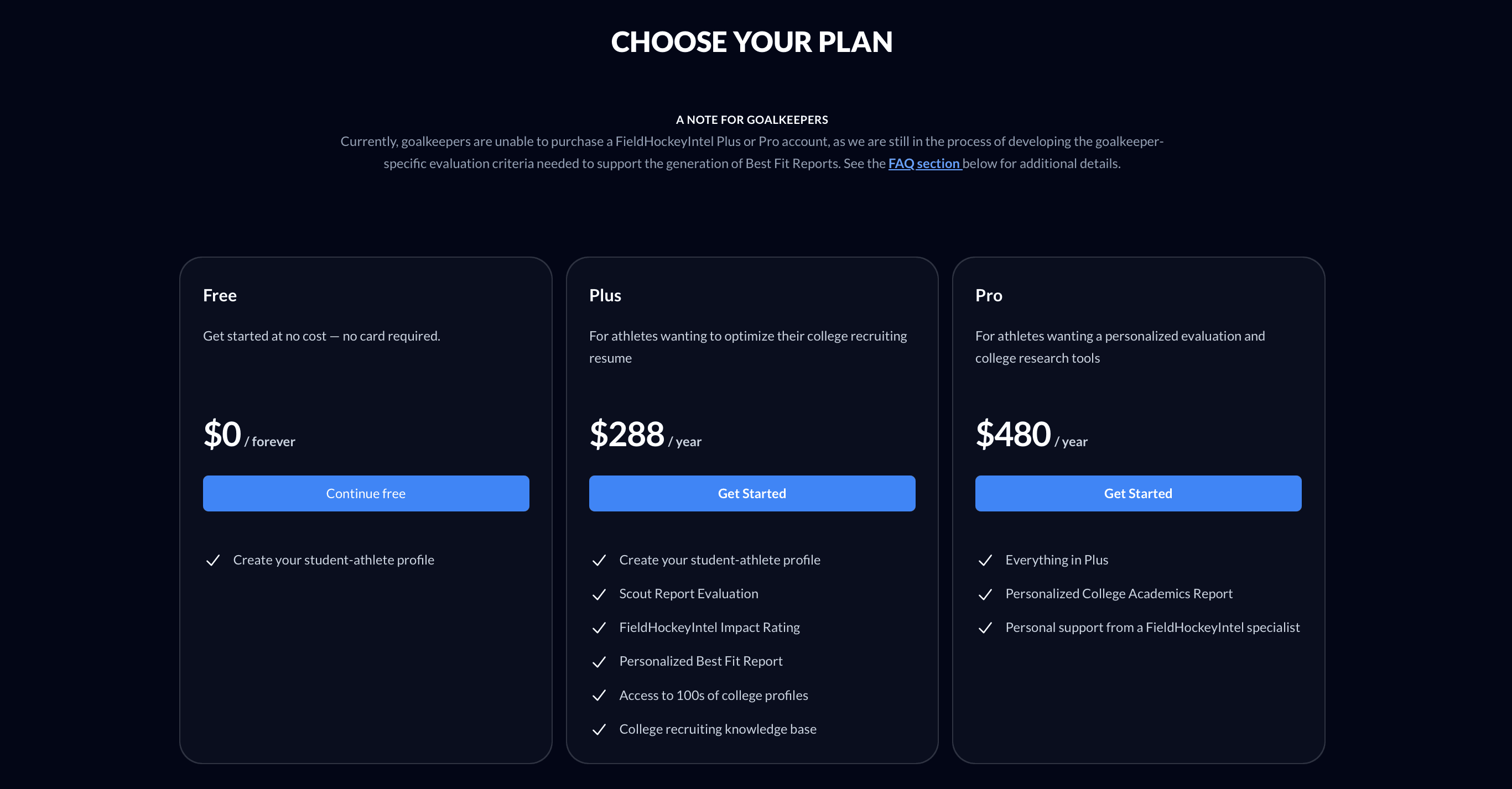
Once you’ve selected your plan, you’ll be directed to the registration page where you will create your account.
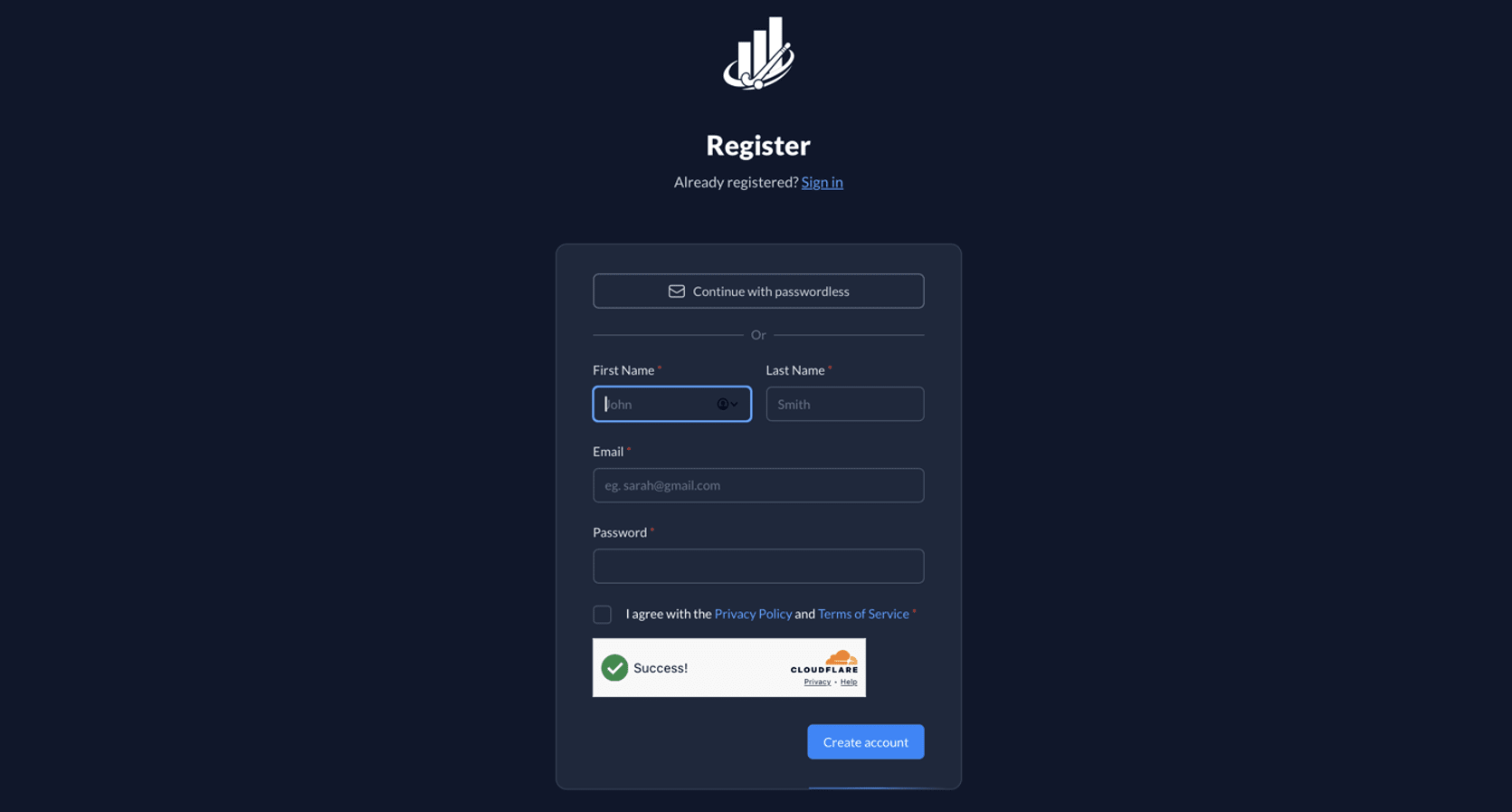
You now have a FieldHockeyIntel account. Let’s get started!
YOUR STUDENT-ATHLETE PROFILE
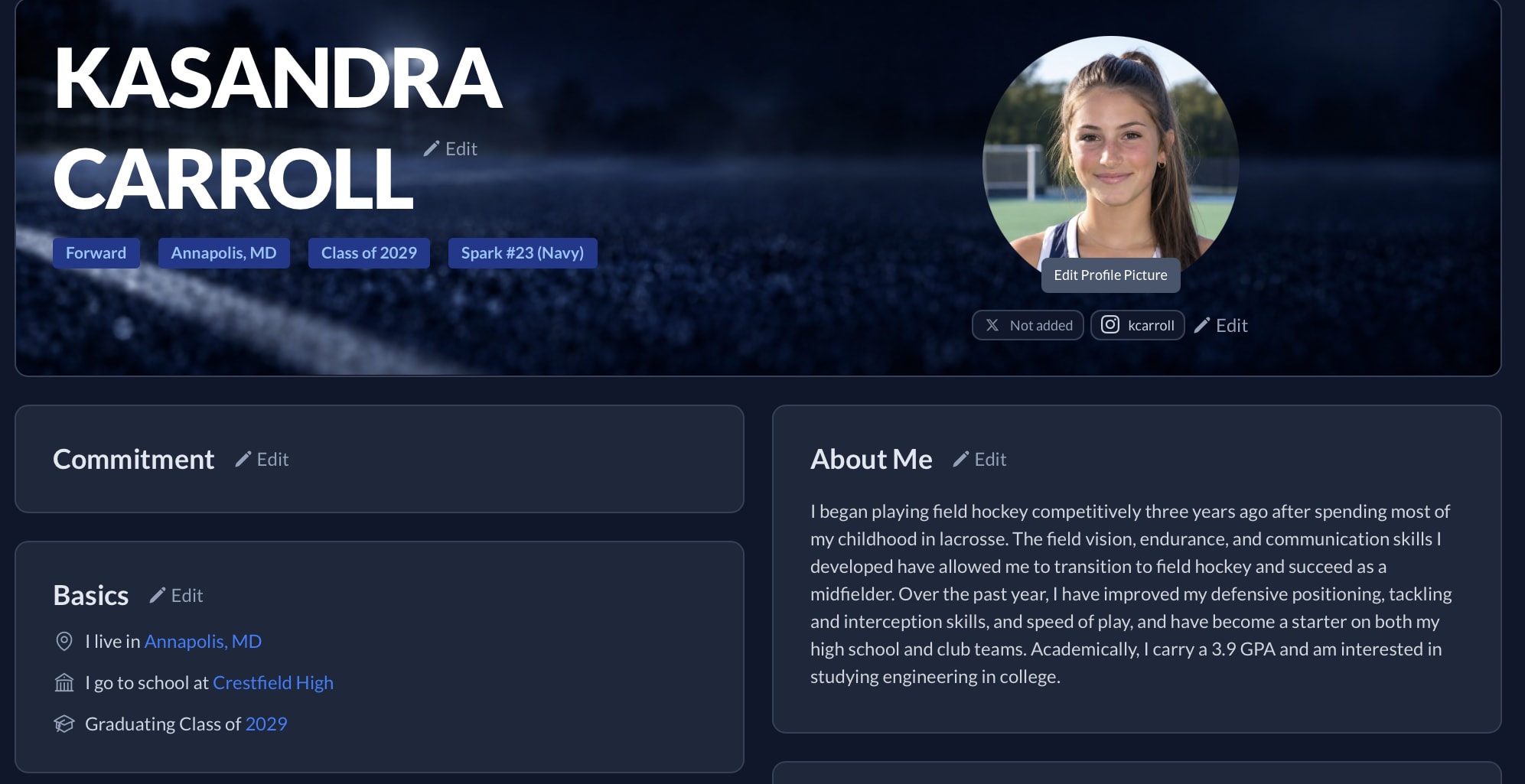
College coaches are always searching for standout athletes. Your FieldHockeyIntel student-athlete profile is your opportunity to showcase who you are, both on and off the field. Highlight your athletic achievements, academic strengths, leadership roles, and personal story, all in one place.
Think of it as LinkedIn for field hockey recruits. You can upload highlight/skills videos and raw game footage, add academic and athletic accomplishments, write a short bio to show your personality and potential, and more. It’s your digital resume built specifically to help you connect with the right programs and opportunities. A step-by-step guide to building your FieldHockeyIntel profile can be found at https://fieldhockeyintel.com/articles/building-your-profile.
SHARING YOUR PROFILE
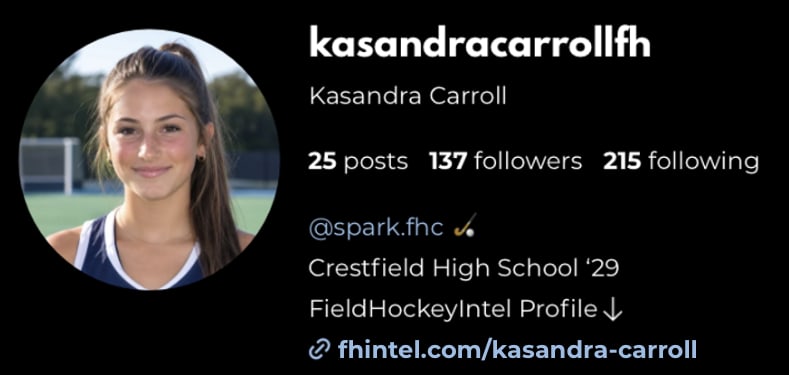
Click on the “Copy Link” button in the top right corner of your profile to have a shareable URL copied to your clipboard. This will generate a short URL customized to your profile and name (e.g., https://fhintel.com/kasandra-carroll). You can paste this URL into emails, text messages, your Instagram bio, recruiting questionnaires, etc., for anyone to view. Regardless of who you share this with, only verified college coaches will be able to see your contact information, about me, college priorities, academics, etc.
GETTING YOUR BEST FIT REPORT
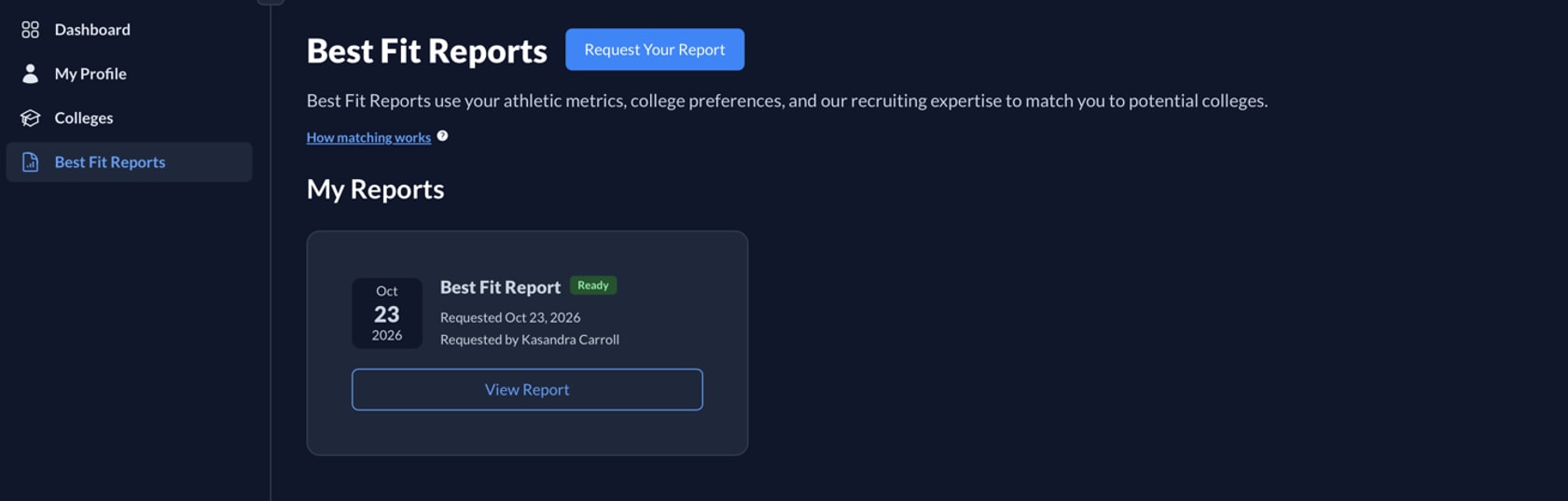
Your personalized Best Fit Report (BFR) matches you with colleges that align with your athletic ability, academic performance, and personal preferences (e.g., location, academic selectivity, school size, etc.).
To determine your athletic fit, FieldHockeyIntel calculates your Impact Rating – a numeric value (0-100) that reflects your ability to make an athletic impact at the collegiate level. This rating is derived from your Scout Report, which is an independent technical evaluation of raw game footage conducted by a former college coach. More information about Impact Ratings and Scout Reports can be found at https://fieldhockeyintel.com/articles/scout-reports.
To access the Best Fit Report feature, click on “Best Fit Reports” in the sidebar. When you first go to the My Reports section, it will be empty. To request a new report, click the “Request Report” button at the top of the page. Fill in the required information, as well as any optional information you would like used to create your report.
BEST FIT REPORT REQUEST FORM
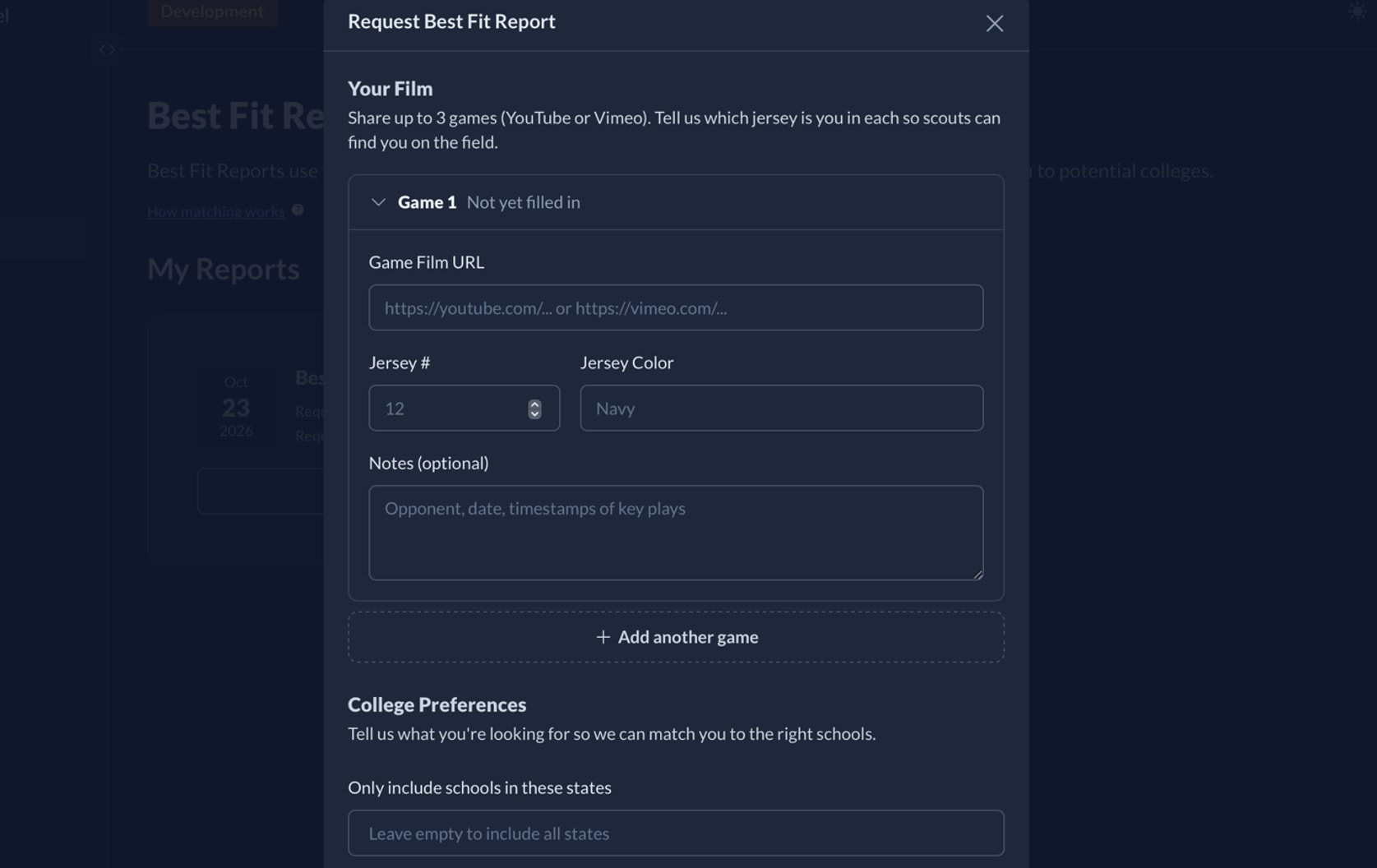
The Best Fit Report request form has the following required and optional fields:
Your Film
You can share up to three raw game footage links. You will fill out your jersey number and color for each game URL entered.
Game 1 Film URL (required)
Jersey Number
Jersey Color
Game 2 Film URL (optional)
Jersey Number
Jersey Color
Game 3 Film URL (optional)
Jersey Number
Jersey Color
College Preferences
Only include schools in these states (optional)
Include schools within [X] distance (optional)
School Size (optional) – Number of students enrolled.
Academic Selectivity (optional) – “Highly Selective,” “Moderately Selective,” “Slightly Selective,” and “Not Selective” checkboxes.
Campus Setting (optional) – “Urban,” “Suburb,” “Town,” and “Rural” checkboxes.
Additional Notes (optional) – Please provide any additional information you would like us to consider when generating your Best Fit Report (e.g., Are there specific colleges you are interested in, or that may have reached out to you? Do you want to avoid cold winters? Are you looking to be a part of a program that is consistently competing for conference championships?)
Once you fill out the Best Fit Report request form and submit the required game footage, you will typically receive your report within 5 to 10 business days.
FINDING YOUR REPORT
To access the Best Fit Report feature, click on “Best Fit Reports” in the sidebar. When you first go to the My Reports section, it will be empty. To request a new report, click the “Request Report” button at the top of the page. Fill in the required information, as well as any optional information you would like used to create your report.
Once your Best Fit Report has been created and published, you will find it under the My Reports section. Click on the “View Report” button to open it. Your report is private to you.
YOUR REPORT
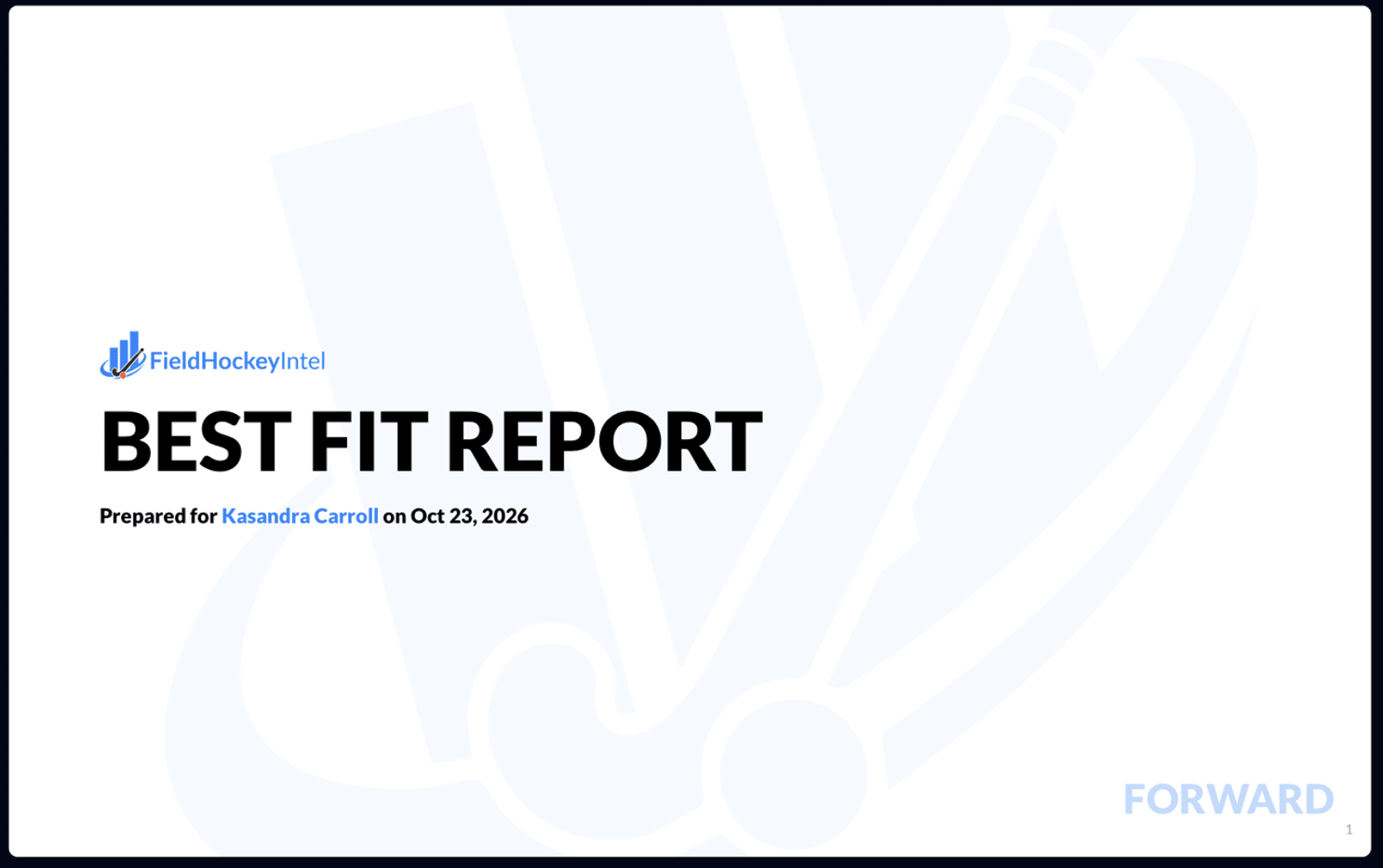
Your Best Fit Report will be several pages long and include a summary of your Scout Report and a list of schools that match your athletic, academic, and personal criteria. Your report will link to FieldHockeyIntel school profiles for you to dive deeper into for your research.
COLLEGE LIST
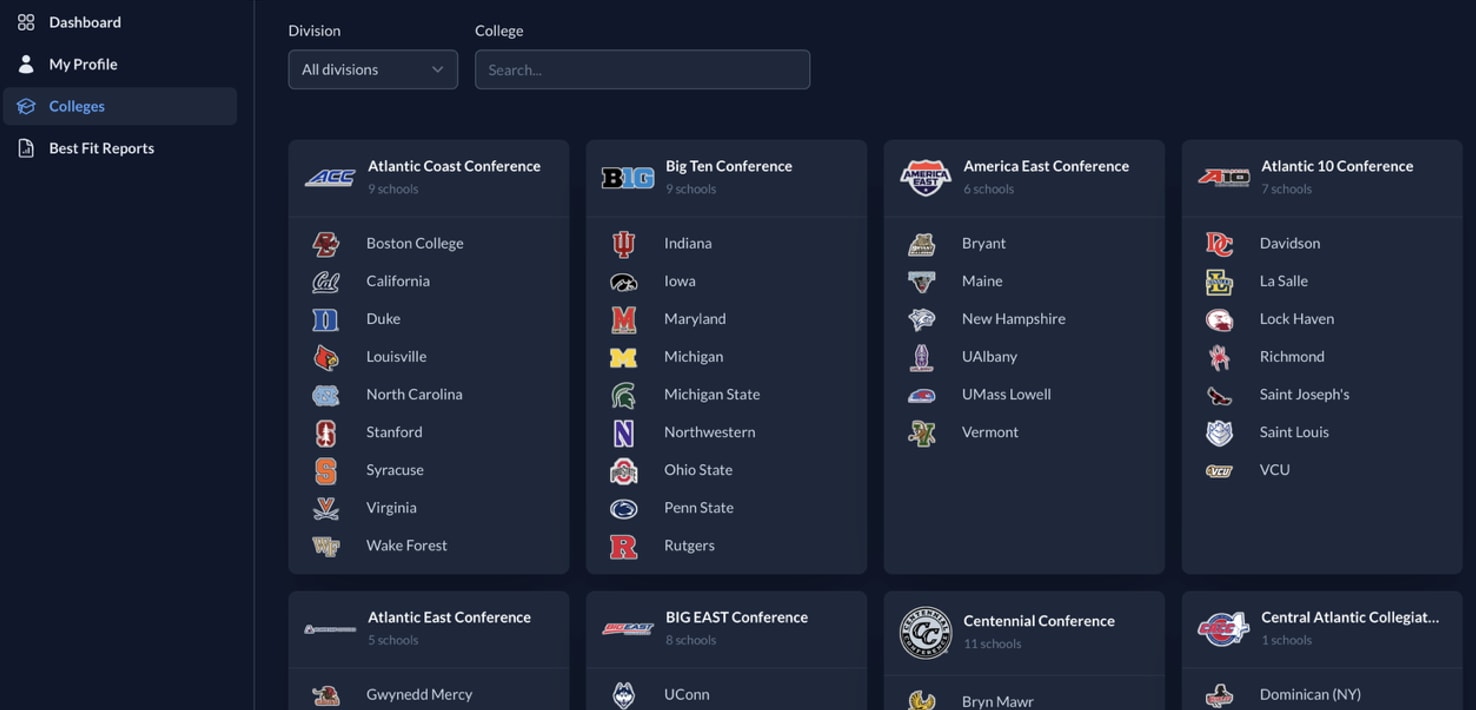
All colleges and conferences tracked in the FieldHockeyIntel database can be found by clicking on “Colleges” in the sidebar. You can filter the view by Division I, Division II, Division III, or search for individual colleges.
COLLEGE PROFILES
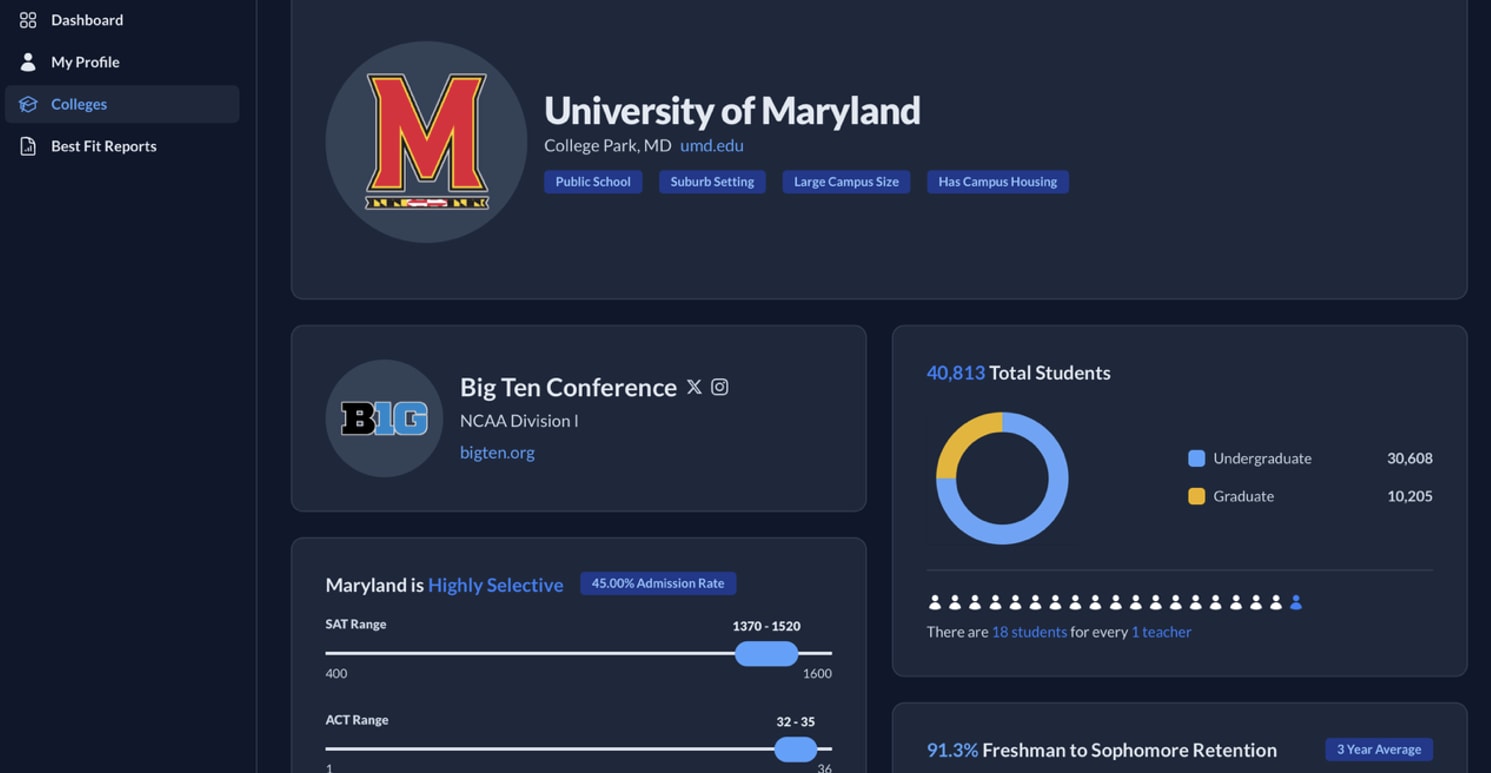
Each college profile contains information about both the college and team, including academic requirements, Freshman to Sophomore and Freshman to Senior retention rates, roster demographics, website, cost of attendance, coaching staff, and more.
KNOWLEDGE BASE
The FieldHockeyIntel Knowledge Base contains a growing number of articles that explain each step of the college field hockey recruiting process and answer many commonly asked questions. The Knowledge Base can be accessed directly at https://fieldhockeyintel.com/articles?category=recruiting_101 or by clicking on "Recruiting 101" in the sidebar.
 FieldHockeyIntel Staff